
How to Vet Advanced Personalized Learning Vendors
The problem
Vendors toss around “personalized” like it’s a checkbox. That creates confusion. Start by asking how their adaptive learning system decides what a student needs next — not just whether it adapts. Real personalization means measurable decisions, not vague promises.
Key signals to inspect
Look for clear answers. What data feeds the model? Are skill levels tagged and versioned? Can teachers see why a recommendation was made? Ask for sample data flows, API docs, and a plain description of the learner model. If those don’t exist, the adaptation is probably superficial.
Student progress tracking — what matters
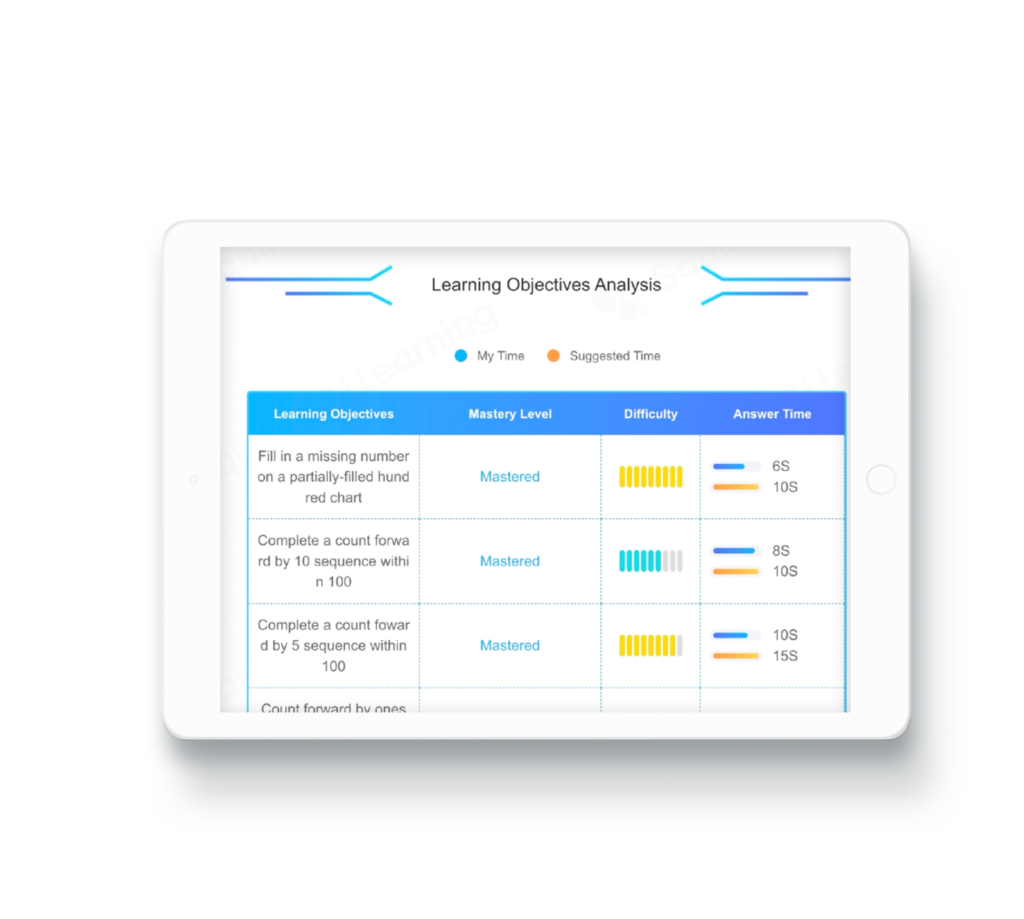
Trackable progress is the backbone. Good platforms show per-skill mastery over time, assessment timestamps, and item-level results. They let you export event logs and student trajectories so you can verify trends. Check vendor docs and demos of student progress tracking to confirm those outputs are available and readable.
Assessment quality and mastery metrics
Don’t confuse frequency with quality. Ask how assessments map to standards, how they avoid repetition that inflates scores, and whether mastery is based on multiple evidence points. Expect concrete descriptions of scoring rules, retest logic, and how the system handles guessing or partial knowledge.
Teacher tools and reporting
Teachers need actionable views. Prioritize platforms that surface which skills need intervention, suggested next steps, and quick ways to assign targeted practice. Dashboards should let teachers drill from class trends down to individual items without hunting through raw logs.
Interoperability, privacy, and compliance
Make sure the vendor supports standard integrations like LTI and provides clear data-export options. Verify their privacy stance against FERPA or GDPR requirements relevant to your location. Ask for data retention policies and examples of anonymized exports before you sign anything.
Common pitfalls to avoid
Watch for opaque black boxes, dashboard screenshots without access to raw logs, and claims that focus only on engagement. Beware platforms that lock content behind proprietary formats with no export path. Also be skeptical of one-size-fits-all “personalization” that ignores curriculum mapping.
Short vendor comparison checklist
Use a simple checklist: documented learner model, exportable progress logs, teacher drilldown, standards alignment, privacy compliance, and clear rollout support. Try a short pilot with real classes and define success measures in advance so you can judge fit, not sales charm.
Wrap-up
Ask precise questions. Demand access to logs and model docs. Test with real teachers and students, then judge tools on whether they make progress visible and actionable. For a concrete example of how vendors lay out adaptation logic and reporting, see Squirrel Ai.