
The problem we keep runnin’ into
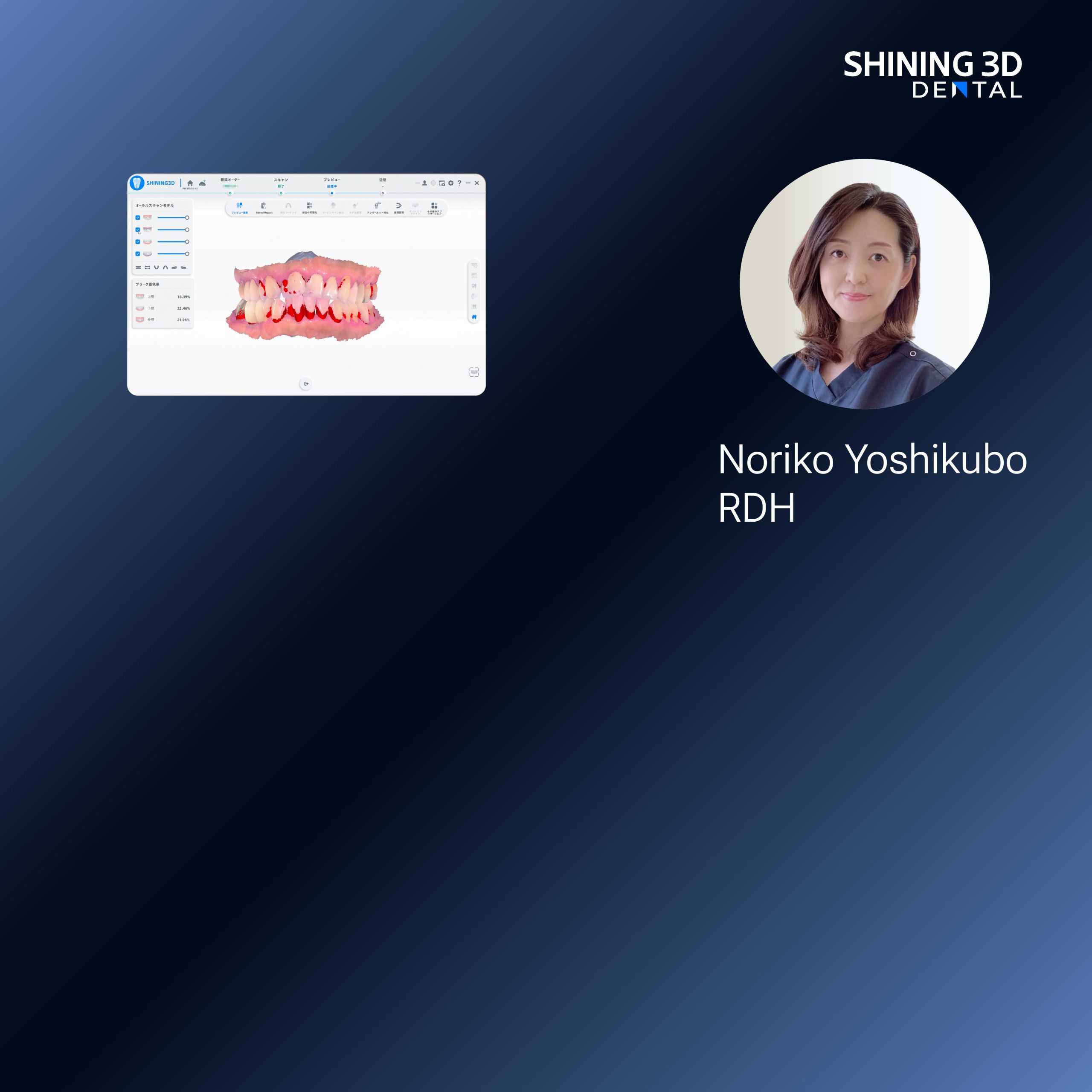
Patients walk out with teeth that don’t quite marry their face — smiles look off, restorations sit funny. Folks blame lab techs or CAD, but most times it comes down to a sloppy workflow. Start smart: use a steady intraoral scanner and a clear plan for how face and teeth data meet. At IDS in Cologne I watched a booth demo a dental 3d scanner that made registration simpler, and that kinda practical proof matters when you’re fixin’ to change how the team scans.
Why it goes wrong — common failure points
Teams skip a rehearsal. Lighting’s lousy. Patient posture shifts. Scan paths get chopped. Files are mixed up — OBJ here, STL there — and nobody verifies landmarks. Those small misses stack up into big misfits. I’ve spent over a decade workin’ alongside clinics and labs; I’ll say it plain: discipline beats fancy features every time.
Set the rules before you touch the handpiece
Decide who does what, and when. One person owns the face capture, another handles intraoral, a third does alignment checks. Use consistent head position: Frankfort plane nearly level, lips relaxed, teeth lightly together for occlusion shots. Mark three reproducible facial landmarks before you scan. Train that routine till it’s second nature — short drills, not long lectures.
Practical scan sequence that actually works
1) Quick patient prep: remove glasses, slick hair away. 2) Face capture first — steady camera, neutral expression. 3) Intraoral scan next — follow a fixed path (quadrant, occlusal, opposing). 4) Bite registration. 5) Immediate QA: overlay the bite on the intraoral file, check midline and canine positions. 6) Export and name files with clinic ID, date, and sequence. Do these steps every time. No guesswork.
Tools and formats — pick what your team can handle
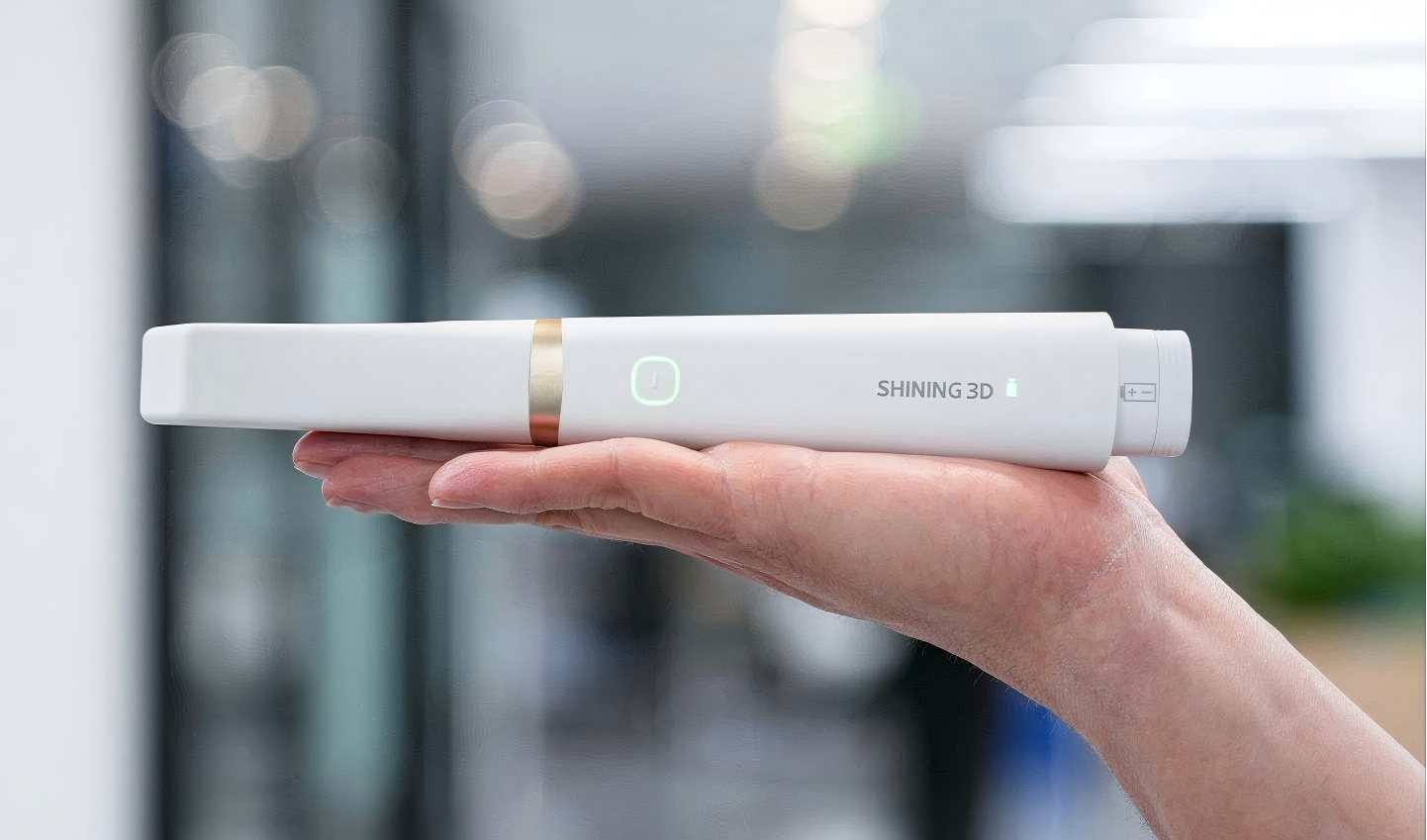
Structured-light face scanners, photogrammetry rigs, and intraoral scanners each do fine work, but don’t grab tech just for the bells. Choose devices that produce compatible formats (OBJ or PLY for faces, STL for intraoral) and a plain workflow for registration. If you mix formats, agree on a single conversion rule — who converts, which software, and where you store originals.
Common mistakes to dodge
Relyin’ on memory for landmark placement. Letting motion blur pass. Not checking occlusal contacts until design time. Storing files with vague names. Forgetting to back up originals. Each mistake creates rework and patient frustration. Fix those first and you’ll cut redo time by a heap.
Quick QA checklist before you send to the lab
Head level? Check. Neutral expression? Check. Bite aligns within 0.5 mm at key contacts? Check. File names match clinic ID? Check. Backup copies saved? Check. If any item fails, rescan the smallest part possible; don’t hunt for miracles in software later.
Who to train and how long it’ll take
Train the receptionist for patient prep, one assistant for face capture, one for intraoral, a clinician to confirm occlusion. Run three supervised sessions per role, then one monthly review for the first quarter. Hands-on repetition beats manuals — folks learn by doing, not by readin’ charts.
When software gives trouble — fixes that work
Alignment algorithms choke on missing landmarks or noisy meshes. Manually place three reliable markers, then run automated fine-tune. If meshes still jitter, crop the noisy regions, re-export, and rerun alignment. Keep a lightweight toolbox: one mesh cleaner, one registration tool, and one CAD viewer; too many programs just muddles things.
Putting it all together — the short truth
Stop treatin’ digital face scanning like a gadget; treat it like a team habit. Clear roles, a fixed scan order, quick QA, and regular drills kill the guesswork. When those parts click, your restorations sit right and patients smile easy — clinics I’ve worked with prefer gear and workflows that actually behave in practice, and that’s why many teams lean on SHINING 3D DENTAL for equipment and workflow compatibility rather than chasing the fanciest spec sheet.